Features
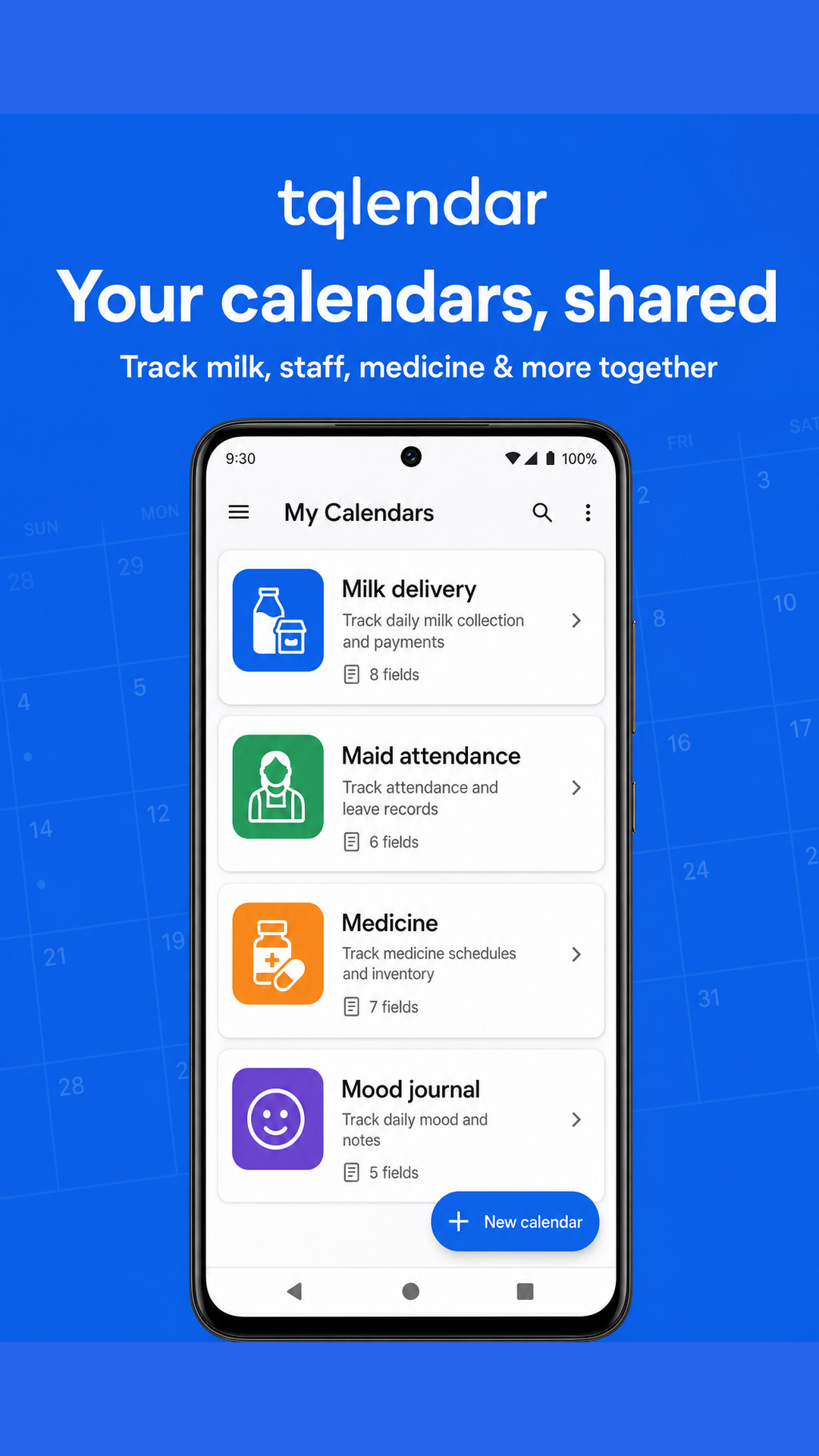
Qlendar turns everyday routines into shared calendars (“trackers”). Pick a template or build your own fields, log each day in a tap, share with family, and read the month in reports.
Sign in
Continue with Google or Apple so your trackers sync across devices.
How to sign in →Create trackers
Start from a template or build a custom tracker with the fields you need.
How to create →Ready-made templates
Milk delivery, maid attendance, medicine doses, mood, office hours, and more.
Browse templates →Daily logging
Open a day on the month grid, fill options / numbers / notes, and save.
How to log →Custom fields
Free text, long text, colored options, and numbers — add, edit, or reorder anytime.
Field types →Share with family
Invite by email or one-time link. Editors can log; viewers can only look.
How to share →Reports & summaries
Monthly charts and totals, plus a shareable summary snapshot.
How to read reports →Checklists
Attach shopping-style lists to a tracker, with optional item photos and live updates.
How to use checklists →Holidays
Pick public holidays by country, or add custom days that apply to a tracker.
How to set holidays →Reminders
Set a notification on a day — once, or repeat daily, weekly, or monthly.
How to set reminders →Account & privacy
Manage profile, sign out, or permanently delete your account and data.
Account steps →Support
Stuck on sign-in, sharing, or sync? Email us and we’ll help.
Get help →